The Breakdown
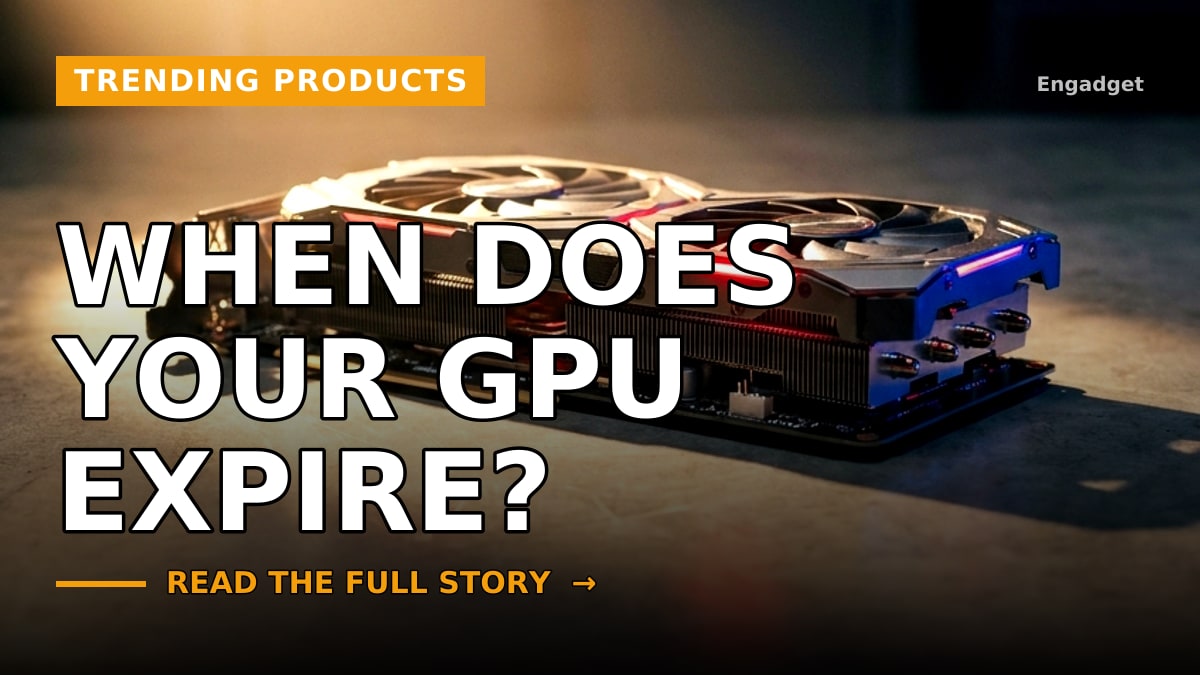
When you unbox a brand-new NVIDIA graphics card, there is never a stamped expiration date staring back at you. Unlike perishable goods or software subscriptions with hard termination dates, high-end hardware simply continues to run until it physically can't keep up with modern workloads. However, for digital creators, video editors, and tech-focused entrepreneurs, the silent ticking clock of GPU obsolescence is very real. Understanding how long your hardware will be actively supported by drivers, optimizations, and software updates is critical for maintaining a productive, high-performing studio workstation.
The core issue facing system builders isn't just raw horsepower—it is how well your hardware handles shifting software requirements. As software developers introduce more advanced rendering techniques, AI-driven tools, and complex pipelines, older architecture inevitably hits a ceiling. Even if your card still functions, the lack of targeted driver optimizations can bottleneck your creative workflow. For entrepreneurs running heavy rendering tasks, training local machine learning models, or pushing 4K video exports daily, knowing which performance ticks matter most can save thousands of dollars in premature hardware upgrades.
To outsmart the lifecycle of your graphics card, you have to look beyond basic specs and focus on architectural relevance. NVIDIA typically provides long-term driver support for older generations, but feature parity fades over time. Certain hardware features—like specific tensor cores or specialized ray-tracing blocks—become the baseline for new software releases. If your GPU lacks these foundational ticking clocks, you will eventually find yourself locked out of crucial performance updates, regardless of how much physical VRAM your card possesses.
For creators and business owners alike, bridging the gap between current capability and future longevity means auditing your tech stack regularly. Instead of waiting for a total hardware failure or a sudden lack of driver compatibility, map your upgrade cycles to software demands. By understanding the lifecycle of your NVIDIA GPU today, you can strategically time your next investment, ensuring your workspace remains fast, reliable, and entirely immune to unexpected performance bottlenecks.
🎬 Creator Studio: Short-Form Video Script
Hook (0-3s): Does your graphics card have an invisible expiration date?
Body (3-30s): Graphics cards don't come with an expiration date on the box, but knowing how to track your system's performance is crucial. While your hardware keeps running, software demands change fast. We break down which architectural features and ticking clocks actually matter for your workflow, helping you figure out when it is truly time to upgrade your setup without wasting money on premature hardware changes.
Call to Action: Drop a comment with your current GPU model and let us know how long it has been powering your setup!
📱 Social Media Caption
There is no expiration date on the box, but knowing your GPU's limits keeps your workflow fast. Here is how to track your system's true performance. #VIMciety #TechTrends #NVIDIA #PCBuilding #ContentCreator